
This page is a wiki. Please login or create an account to begin editing.
Apple Color Printing CD




| Rating: | |
| Category: | |
| Year released: | |
| Author: |
Apple Inc., Mindscape, Bitstream, Adobe/GTD Softworks Incorporated |
| Publisher: |
Mindscape |
Download Apple_Color_Printing_CD.zip
(258.41 MB)
For System 7.0 - 7.6
For System 7.0 - 7.6
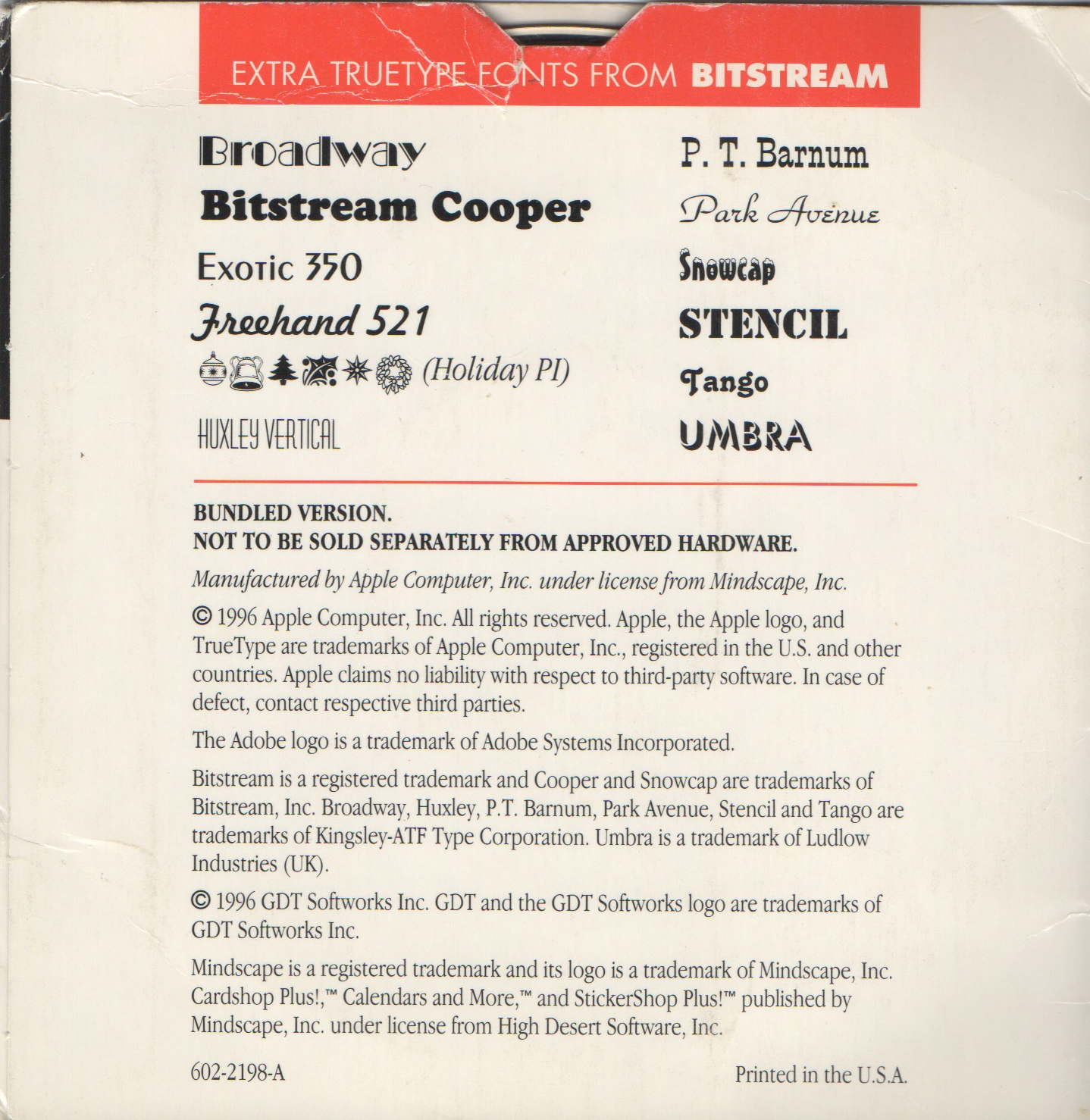
A CD-ROM bundled with a printer (I think). Contains CardShop Plus!™, Calendars and More™, StickerShop Plus™, Twelve Extra TrueType Fonts, and Personal Publishing Toolkit.
Compatibility
Comments
I'm sorry. I don't have a serial or manual.
Probably a manual shipped with the CD-ROM?
Whats required now is a key to unlock the complete CD. There's an encrypted archive on it containing the full Adobe Home Publisher 2.1 installer set. - There might be other other softwares too, but that one caught my eye.
Requires running the Unlock app on CD and a serial.
Yep that's exactly what I did.
When I wrote about Toast 10/11 below.
Make sure the CD image recently created will not be mounted directly after creation.
Lock it first.
@SuperMew98: Thank you for going to the effort of correcting this. Your upload is now in pristine condition. I'm really enjoying the MacUser pdf's, too
Yes. It is clean. This one should be updated too.
Wait, I made that in Toast 11, and it's untouched? Should I just stick to Toast 11? (I will upload a CD scan later)
Thanks for the untouched CD image. Now how about a CD scan?
I have BurnOSX. Should I use that then? Sorry, I'm just new to this uploading thing.
Some problems with Toast 11 forced me to stick with Toast 10 for now
(which can create custom HFS volumes, for example. Toast 11 won't) .
Is there an alternate application, in case Toast 10 does no longer run on future OS X versions,
like BurnOSX?
You should use the older version. After you creating the cd image, before mounting you should lock (read-only) it first.
I'll be using Toast 11 Titanium. Is that ok? Should I be using an older version?
This CD image has been written to. It appears that you used OS X's Disk Utility to create .cdr then renamed to .iso.
This tool has the habit of not creating byte for byte copies of Mac HFS media. It will also write its own time stamp to the resulting .cdr/.iso and increase the chance of file corruption, if you cannot prevent the .cdr from mounting before locking the newly created image.
All of the PDF documents on this .iso are FUBAR. They are corrupt and unreadable. All have been filled with NULL strings. A huge pity because there is a complete 1995 back-issue set of MacUser magazine in PDF format on this CD.
Can you please check the original media to see if this corruption is not there to begin with. If not, this upload needs replacing. Please use some other tool such as Toast to create CD images.
Thanks for the upload. However, the CD image you have uploaded did not meet the standards for creating perfect CD images. Also, if you stuffit or zipping the iso image it will save the download time.