
This page is a wiki. Please login or create an account to begin editing.
Architecture: PPC
Tropico Mucho Macho




| Rating: | |
| Category: | |
| Perspective: | |
| Year released: | |
| Author: | PopTop Software |
| Publisher: | MacSoft |
| Engine: |
Emulation
Guides on emulating older games
Guides on emulating older games
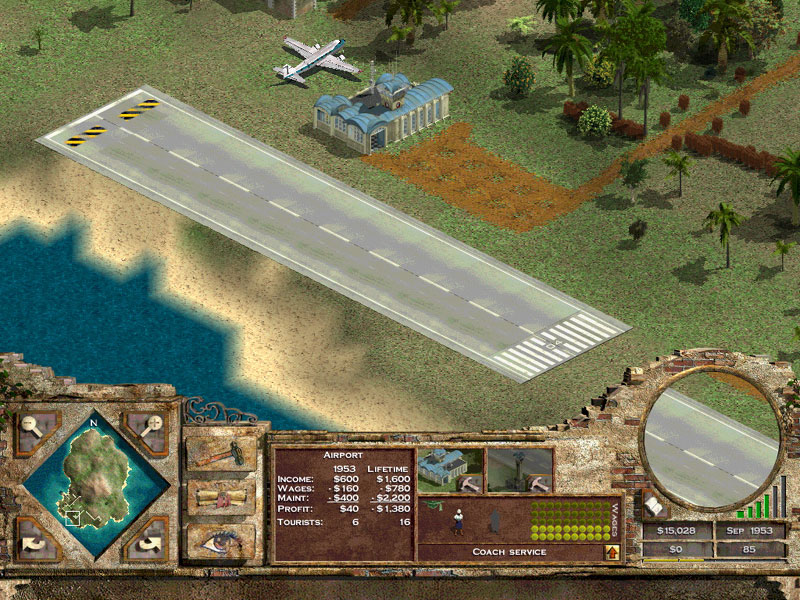
The original Tropico, plus the Tropico Paradise Island expansion, plus a few other extras.
Toast images, compressed with Stuffit 5.5
CompatibilityArchitecture: PPC
Minimum Requirements:
Mac OS 9.1 or later
Mac OSX 10.1.5 or later
350MHz G3 or faster
400MB hard disk
128MB RAM
Thousands of colours
800x600 resolution
This plays a dream on my 8-core Mac Pro, under OSX 10.5, so it's looking good for all of us.
Comments
Restored with CD images provided by bertyboy
Anyone able to restore these files?
Start by telling us which Mac you have ? And which OS ? How much RAM ?
Can we assume that you had no issues at all uncompressing the .toast.sit ? Which version of Stuffit did you use ? Which version of Toast did you use to mount the images ? Which installer gives you this message ?
I'm confused as to how to install this. What is with the .toast.sit file? Everytime I try and install it, it gives me the message "Could not locate a match for a search speicified by this installer. Installation cannot continue." Please help! Thank you!
Thanks a lot man, and good luck with everything else!
Disc 2 megaupload link updated. It's just a Toast image (not compressed).
Jeez I don't want to have to start checking all my compressed CD image uploads - my old MDD takes about 8-10 minutes to compress already.
Oh jeez man, that sounds rough. Good luck!
Sorry, I'd forgotten. Right in the middle of buying new property and kitchens, bathrooms and dealing with the trades for a few major redevelopments. Days just race by and I have too much to do. Toast imaging now, hopefully compress, test and start upload before I go to bed.
Edit:
compress seems to corrupt it. compressed again without error, but can't decompress, so it's being uploaded in (uncompressed) .toast format (in this case, it's the same size as the compressed file). Started now.
No frustration here, I really do appreciate what you've done! Yeah, MegaUpload is slow isn't it?
Of course, you're right. I still had the file I attempted to upload, it throws out a warning when I decompress it, and Toast and DiskImageMounter don't like it. Must have been an issue with the Stuffit compression.
I've just re-imaged the original CD (using OSX Disk Utility) and it mounts perfectly. I'll re-image with Toast and try compressing again. I'll test it this time too.
I can understand your frustation, but remember, for every minute you spend trying to get it to work, I've spent an hour imaging, compressing and uploading to MegaUpload (zzzzz - it's not quick). Upload tonight.
The second disk seems to be corrupt. I've tried downloading it a few times and decompressing it with different applications.