
This page is a wiki. Please login or create an account to begin editing.
Architecture: 68k
National Geographic: The '80s & '90s
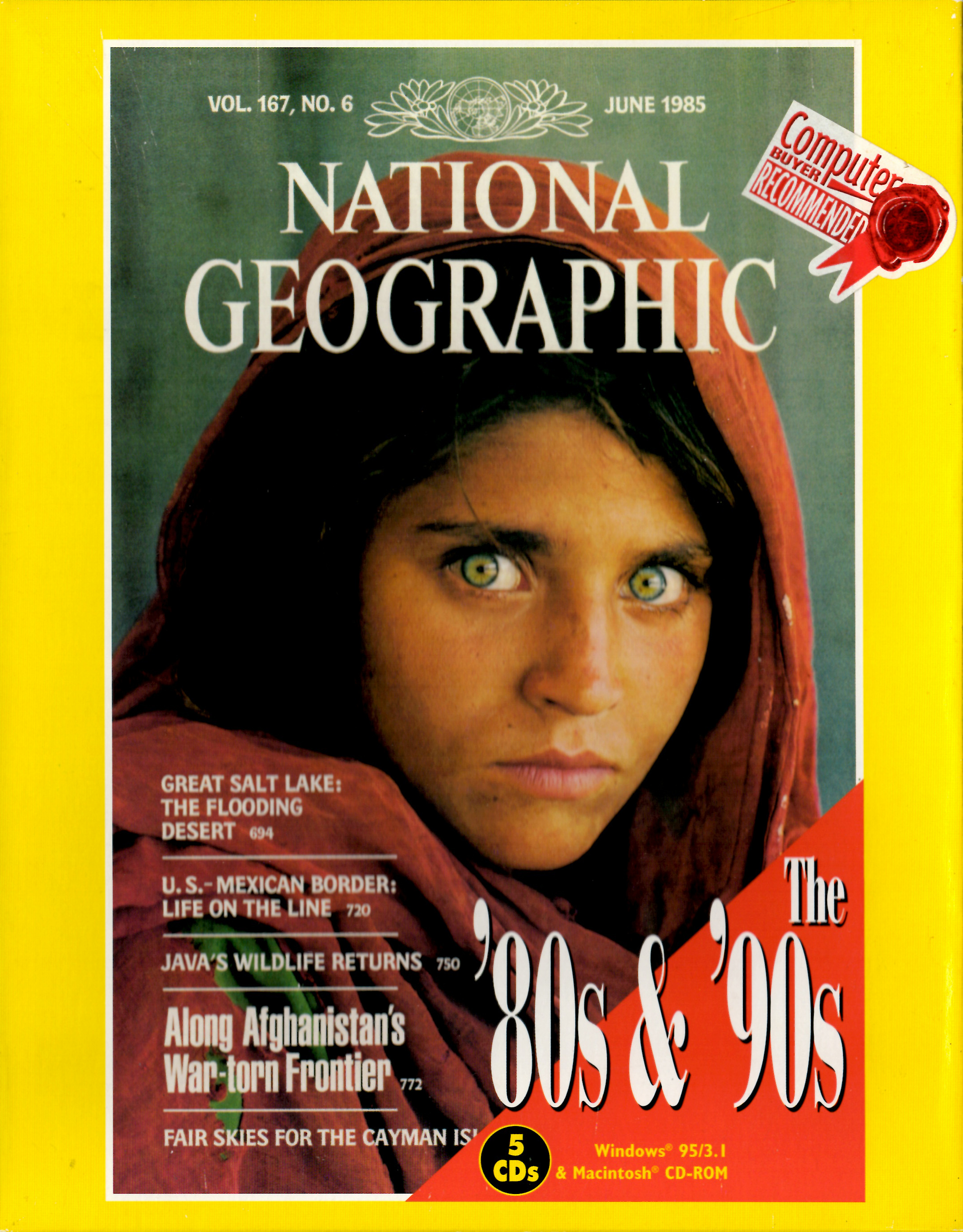


| Rating: | |
| Category: | |
| Perspective: | |
| Year released: | |
| Author: | National Geographic Society |
| Publisher: | Mindscape |
| Engine: |
Download NGS_1980_-_1983.toast_.zip
(566.54 MB)
For System 7.0 - 7.6
For System 7.0 - 7.6
Download NGS_1983_-_1986.toast_.zip
(542.33 MB)
For System 7.0 - 7.6
For System 7.0 - 7.6
Download NGS_1986_-_1989.toast_.zip
(532.52 MB)
For System 7.0 - 7.6
For System 7.0 - 7.6
Download NGS_1990_-_1993.toast_.zip
(551.40 MB)
For System 7.0 - 7.6
For System 7.0 - 7.6
Download NGS_1993_-_1996.toast_.zip
(554.22 MB)
For System 7.0 - 7.6
For System 7.0 - 7.6
Emulation
Guides on emulating older games
Guides on emulating older games
This is a collection of National Geographic from 1980 to 1996.
All images are created with Toast and ZIP'ed.
CompatibilityArchitecture: 68k
68030 33MHz, System 7.5, 8 MB RAM, 640x480 with 256 colors.
Comments
I'm very interested in seeing all the CD's here.
The Key Gourmet image is a hybrid as intended. You can easily check this by dragging the image onto the Toast application. It will display the type of image you have. You can further check it yourself by then clicking the "mount" button in Toast which should result on two mounted volumes. One of these will be the Mac partition and the other will be the PC partition. Mounting the image may not always work on a modern Mac (as in this case) but that is irrelevant...so long as it mounts on a Mac relevant to the vintage of the software (as your image does) then that is all that matters. Please lock your images before mounting to prevent the MacOS from writing to the mounted image (mainly a problem with OS X).
Hello
I have tried making images using toast, can anyone please confirm that the image contains both Mac and Win partitions on Key Gourmet?
http://macintoshgarden.org/apps/key-gourmet
I will do that, many thanks for the info.
Yes, there is the application Virtual DVD-ROM/CD Utility that runs on 68k machines and is able to let mount the CD images.
So, please go ahead with a CD/DVD drive for your current Mac.
In Disk Copy I can only choose the inserted CD, I tried Toast 4 which is the newest version 68k compatible (as far as I know) but it can't create images from a CD as the newer versions can.
Does anyone know a application that can run on a 68K which can create these hybrid images?
Should I upload the images I have or wait?
Both my old PPC machines are gone my old PowerMac 8600 and G4 was sold years ago and my PowerBook G3 won't start. My sister have a old G4 iMac (I think se still have it) which I could borrow but this would take time as we do not live in the same town.
So for the time beeing 68K CD imaging software is my only option.
I could by a CD/DVD drive for my new iMac, but would those images be usable on a 68K?
For sure, such images are Mac-only. The Quadra 950 should be able to use the Toast application which creates appropriate CD images containing both Win and Mac partitions.
Disk Copy should also be able to create CD images. When using Disk Copy, please select the CD drive itself, but not the CD inserted.
OK I will upload but, please how do I make hybrids?
I don't have a Windows and all my images are made on my Macintosh Quadra 950 (which is still in daily use) I have no cd or dvd for my iMac.
I have img files made with Disk Copy for 68K
Yes please, I do second mrdav´s request.
We have discussed this many times, but still:
IMGBurn does perfect CD images on Windows (including HFS CDs), Toast is the first choice for Macs.
Depending on the CD structure, some disks can only be saved as bin/cue - well done apps will tell you so.
Yes, please upload these. I think they are hybrid Mac/PC discs, so please make images that capture both Mac and PC partitions (i.e. do not make img images)