
This page is a wiki. Please login or create an account to begin editing.
Architecture: 68k PPC
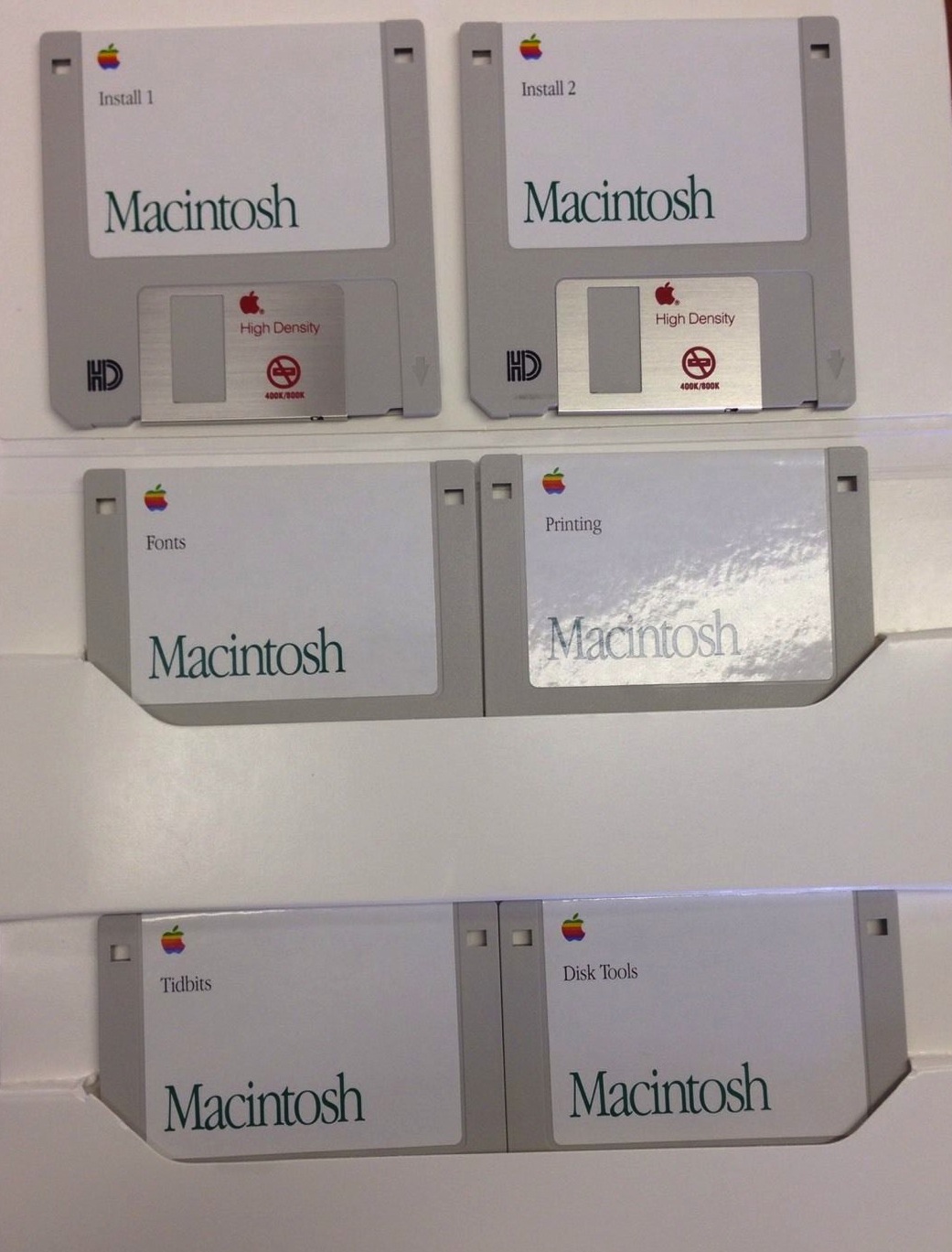
Mac OS 7 Floppy Install Sets (aka System 7)


| Rating: | |
| Category: | |
| Year released: | |
| Author: |
Apple |
| Publisher: |
|
Download System_7_0.smi_.sit
(3.72 MB)
For System 7.0 - 7.6
For System 7.0 - 7.6
Download 7_0_IntlEnglish.sit
(3.39 MB)
For System 7.0 - 7.6
For System 7.0 - 7.6
Download System_7plus_800K.sit
(4.62 MB)
For System 7.0 - 7.6
For System 7.0 - 7.6
Download System_7_0_1.smi_.sit
(4.34 MB)
For System 7.0 - 7.6
For System 7.0 - 7.6
Download 7_0_1_IntlEnglish.sit
(8.36 MB)
For System 7.0 - 7.6
For System 7.0 - 7.6
Download System_7.1_800k_version.sit
(3.74 MB)
For System 7.0 - 7.6
For System 7.0 - 7.6
Download System_7_1.sit
(5.75 MB)
For System 7.0 - 7.6
For System 7.0 - 7.6
Download SSW-71-LCIII.sit
(5.26 MB)
For System 7.0 - 7.6
For System 7.0 - 7.6
Download 7_5_0.sit
(12.09 MB)
For System 7.0 - 7.6
For System 7.0 - 7.6
Download 7_5_2.sit
(30.42 MB)
For System 7.0 - 7.6
For System 7.0 - 7.6
Download 7_5_3.sit
(86.12 MB)
For System 7.0 - 7.6
For System 7.0 - 7.6
Download 7_5_5.sit
(5.91 MB)
For System 7.0 - 7.6
For System 7.0 - 7.6
Some of these floppy disk System Install disk sets are still available on the Apple Older Software Page but they are very hard to access/download without a modern OS and Browser.
- System 7.0 as 800K Floppies - "System_7_0.smi_.sit" (3.72 MB)
- System 7.0 as 1.4MB Floppies Int. English - "7_0_IntlEnglish.sit" (3.39 MB)
- System 7.0 plus CD-ROM installer and System 7 Tuneup 800K Floppies - "System_7plus_800K.sit" (4.62 MB)
- System 7.0.1 as 1.4MB Floppies - "System_7_0_1.smi_.sit" (4.34 MB)
- System 7.0.1 as 1.4MB Floppies International English - "7_0_1_IntlEnglish.sit" (8.36 MB)
- System 7.1 as 800K Floppies - "System_7.1_800k_version.sit" (3.74 MB)
- System 7.1 as 1.4MB Floppies - "System_7_1.sit" (5.75 MB)
- System 7.1 as 1.4MB Floppies for Macintosh model LCIII - "SSW-71-LCIII.sit" (5.26 MB)
- System 7.5 as 1.4MB Floppies - "7_5_0.sit" (12.09 MB)
- System 7.5.2 as 1.4MB Floppies and single file Net Install - "7_5_2.sit" (30.42 MB)
- System 7.5.3 as 1.4MB Floppies and single file Net Install - "7_5_3.sit" (86.12 MB)
- System 7.5.5 as 1.4MB Floppies and single file Net Install - Requires 7.5.3 - "7_5_5.sit" (5.91 MB)
http://www.info.apple.com/support/oldersoftwarelist.html
CompatibilityArchitecture: 68k PPC
Disk images on this page from SSW 7.0 to 7.1 are for 68k Macintosh only. Those from SSW 7.5 onwards are for either 68k or PPC, for the type of Macintosh model that will support those OS's. If the 7.1.2 floppy disk install sets get uploaded to this page, they can also be for PPC (and 68k) Macintosh.
Comments
@macjames: you need to be careful when using parenthesis at the garden - you can use square bracket[s] safely, or if you're a nerdy dork like myself you can use raw html coding(s)
I also went down the same path with the 800k 7.1 zip archive ... my usual Mac emulator is B-II & SheepShaver, neither can run Disk Copy 4.2 (unless a floppy disk drive is available), so stumbling on Disk Copy 4.2 being able to run on Mini vMac without a physical floppy drive was for me, a revelation.
Opening a "how to" topic sounds like a good idea to me. A general "Hidden Tips & Techniques" topic page that others can contribute to would also be good.
@Daxeria: At this point in time I would have to say that only some ".dsk" images can be mounted, or written back to floppy, with DiskDup+ - if you are lucky enough (to have an archivist that knows what he/she is doing before uploading).
A good example of some of these not being able to be used on a classic Mac OS other than by dropping the images into a running Mini vMac session's window, are the SSW 7.1 800k (zipped) images on this page (2nd DL from top).
I think that these images have been labeled manually as ".dsk" and that DiskDup+ was not used in their creation. Changing their Creator & File Types to "DDp+" and "DDim" doesn't help either.
Well believe me i tried diskdup with those images and they were unrecognized. Spent allmost all night trying anything i could, it was just impossible. I wouldn't assume that every ".dsk" image can be handled by diskdup.
".dsk" images can be mounted, or written back to floppy, with DiskDup+ - even on a Mac Plus with System 6. (Although you'll need DiskDup+ v2.7 for System 6; v2.9.2 is too new.)
I totally agree.. good useful images are better. By the way, i didn't notice the ( s ) in my previous comment was converted to a smiley, it was not on purpose.
edit - i just added the 800K floppy set for SSW 7.1 in DiskCopy 4.2 format. This was an effort for those people with mac pluses or SE's who are stuck with 800k drives and unable to install newer OS's than 6.0.x or 7.0.x. These were made from the floppy set here available at the garden in the less functional .dsk format. I must say it was quite an interesting excercise, mainly because i wanted to preserve all the dates and info on those images, and because those .dsk images are just unmountable with anything. Short story, the process involved mini vMac, diskcopy 4.2 and diskcopy 6, an iBook G3, a PowerBook 190c and a Macintosh SE to test the floppies. If interested, instead of describing the whole process here i can open a topic instead.
Enjoy!
@macjames: I'm not so sure if "S*stem 7" is a concern any more. See Balrogs (2) comments in this thread made earlier in the year.
About the floppy sets on this page; At least these are actual intact floppy disk images which are writable back to floppy media, or mountable with Disk Copy 6, etc.
Many of the SSW 7.x floppy disk sets elsewhere here at the Garden are zipped (without resource forks intact). Its very difficult to determine what created them and none of those are writable back to floppy media or mountable with Disk Copy. At best they may mount in a Mini vMac window only, by dragging them into a running Mini vMac session directly from a host OS.
So having more useful install images is always preferable. A clean out of the less useful system floppy image collections could be in order.
However, the title of this page should be changed to "Mac OS 7 Floppy Sets" or similar. Only to keep this page with the rest of the Macintosh System Software here, together under "M" (this is the only page of Mac SSW here, currently located under "S").
I worry about the explicit use of S*stem 7, and i think these floppy sets are available in the Mac OS 7 section(